The visitor experience begins before the meeting starts.
A client, job candidate, investor, supplier, or partner may arrive without knowing where to check in, which floor to visit, whether their host has been notified, or who to contact for assistance. A poorly designed arrival creates uncertainty. A well-designed arrival communicates professionalism, confidence, and attention to detail.
Five clear roles. One reception experience.
Every deployment is configured around the organization, workplace, visitor types, security requirements, brand standards, building layout, and available integrations.
A clear, brand-appropriate arrival moment.
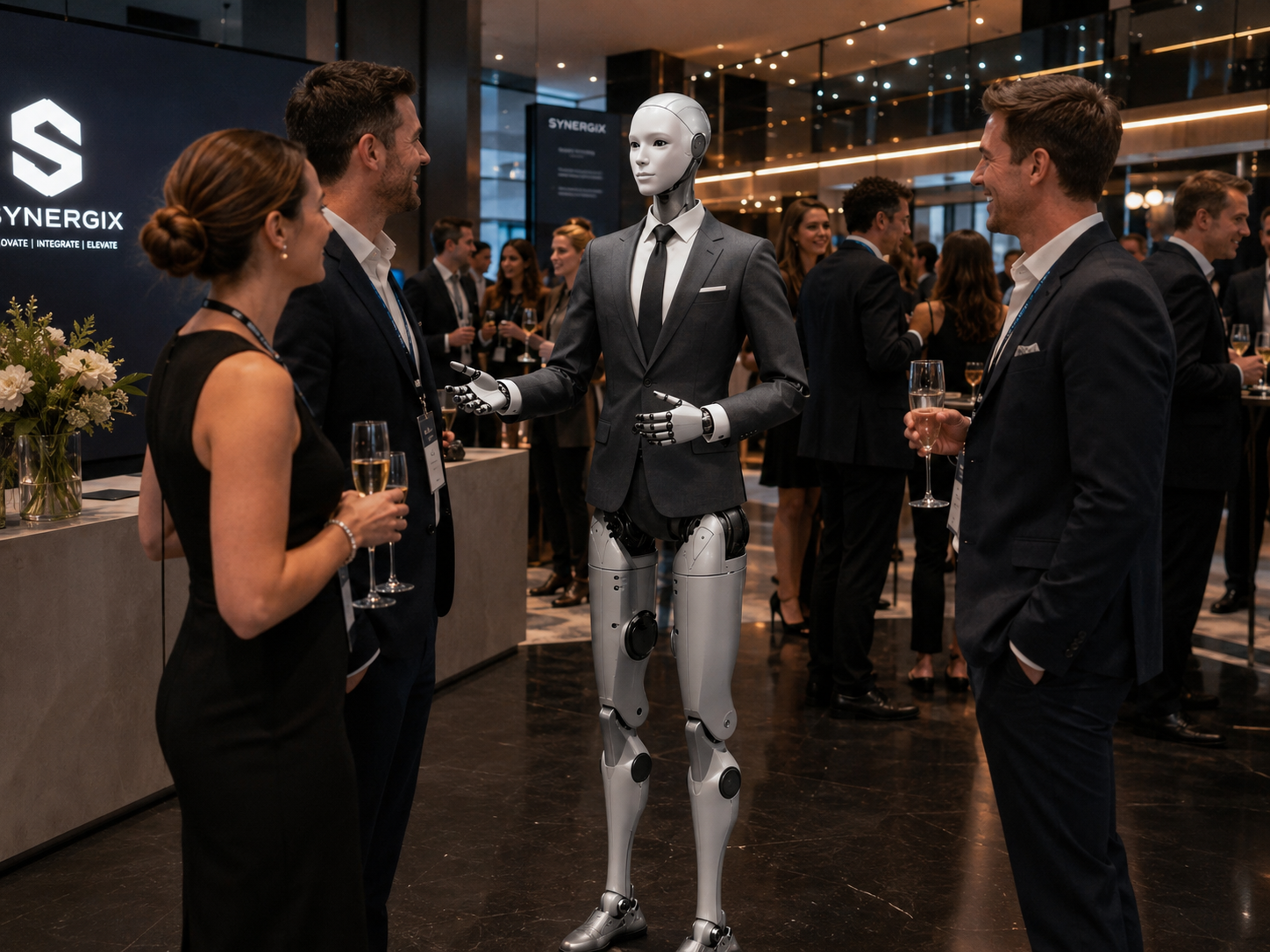
The robot greets visitors as they approach reception — adapting the welcome to the company, time of day, visitor type, appointment, preferred language, and level of formality. It creates a clear first step without making interaction mandatory. Visitors always retain access to a human or an alternate check-in process.
"Good morning and welcome to Northbridge Technologies. Are you here for a meeting, a delivery, or a scheduled visit?"
Guide visitors through an approved arrival process.
Different workplaces have different visitor procedures. The robot explains where to sign in, what identification is required, whether a visitor badge is needed, how the host will be notified, which entrance or elevator to use, and whether an escort is required. It guides visitors through an established process — it does not independently make access decisions.
Present approved company information while visitors wait.
Configured with approved information about the organization: what the company does, which industries it serves, major products or services, office locations, innovation projects, sustainability commitments, career opportunities, and publicly available company news. This creates a useful experience for clients, candidates, and partners before the meeting begins.
"Northbridge develops automation and analytics systems for commercial facilities, working with clients across manufacturing, logistics, and energy."
Help every visitor find where they need to go.
The robot can help visitors locate reception, meeting rooms, elevators, washrooms, cafeterias, auditoriums, showrooms, accessible entrances, visitor parking, and delivery areas. Depending on the environment, it may point toward the destination, explain the route, display a map, provide a QR code, or request a human escort.
Notify the right employee and hand off cleanly.
Once the visitor has completed the approved arrival process, the robot helps notify the appropriate employee through email, SMS, workplace chat, visitor management software, or an internal notification system. It confirms the notification was sent — and is clear that it cannot promise the employee is immediately available.
"Thank you. I have notified Alex that you have arrived. Please take a seat in the reception area."
The Corporate Receptionist is useful because its role is clearly defined.
A credible workplace robot should not try to answer everything. Appropriate boundaries make the system trustworthy.
The robot can
The robot should not
Six arrival flows. One consistent standard.
Client arrival flow
Robot provides a premium welcome
Confirms the appointment and host
Directs to visitor check-in
Sends host notification
Provides directions to the waiting area
Shares approved company information
From arrival to a confident handoff.
A scheduled client interaction that is clear, professional, and appropriately bounded — without bypassing workplace security or replacing the human host.
Client enters the office
The visitor approaches reception for a scheduled meeting.
Robot provides a welcome
Visitor confirms
Robot explains next step
Check-in complete
The existing visitor system confirms the appointment.
Visitor asks about the company
Robot provides approved information
Visitor asks about the meeting room
Appropriate security handoff
The robot provides a smooth arrival without bypassing workplace security.
Start standalone. Connect gradually.
Integration should be introduced gradually. A humanoid robot should not become a shortcut around established workplace security.
Welcome and information
The robot provides approved company information, directions, check-in instructions, and human escalation. No connection to private systems.
Visitor notification
The robot or connected check-in system notifies the employee that a guest has arrived.
Structured check-in
The robot helps visitors complete an approved registration, acknowledgement, badge, or host-selection process.
Authenticated workplace workflows
More advanced functions considered where identity, access, cybersecurity, privacy, and operational requirements have been carefully addressed.
Corporate reception areas often involve sensitive information.
Visitors may share information about who they are meeting, why they are visiting, legal matters, confidential projects, or private appointments. The robot should be configured around strict privacy principles.
The robot should not repeat one visitor's information to another person. It should avoid speaking sensitive names or meeting details loudly in an open lobby where a discreet interface is available.
Minimum necessary information
Collect only what is needed for the approved visitor workflow.
Discreet communication
Sensitive names and appointments should not be broadcast in an open lobby.
Human review for sensitive situations
Legal matters, confidential visits, and complex requests should be escalated.
Privacy principles
Six roles for one humanoid platform.
The same robot may be used across different organizational needs — from everyday reception to executive briefings to recruitment events.
Welcome Receptionist
Positioned at the main entrance to welcome visitors and explain the next step.
Check-In Guide
Supports an existing visitor kiosk, registration form, or badge process.
Executive Experience Host
Creates a premium arrival for clients, investors, delegations, and partners.
Recruitment Receptionist
Configured for interview days, career fairs, office tours, and candidate events.
Corporate Event Receptionist
Temporarily configured for an internal or external event.
Innovation Centre Guide
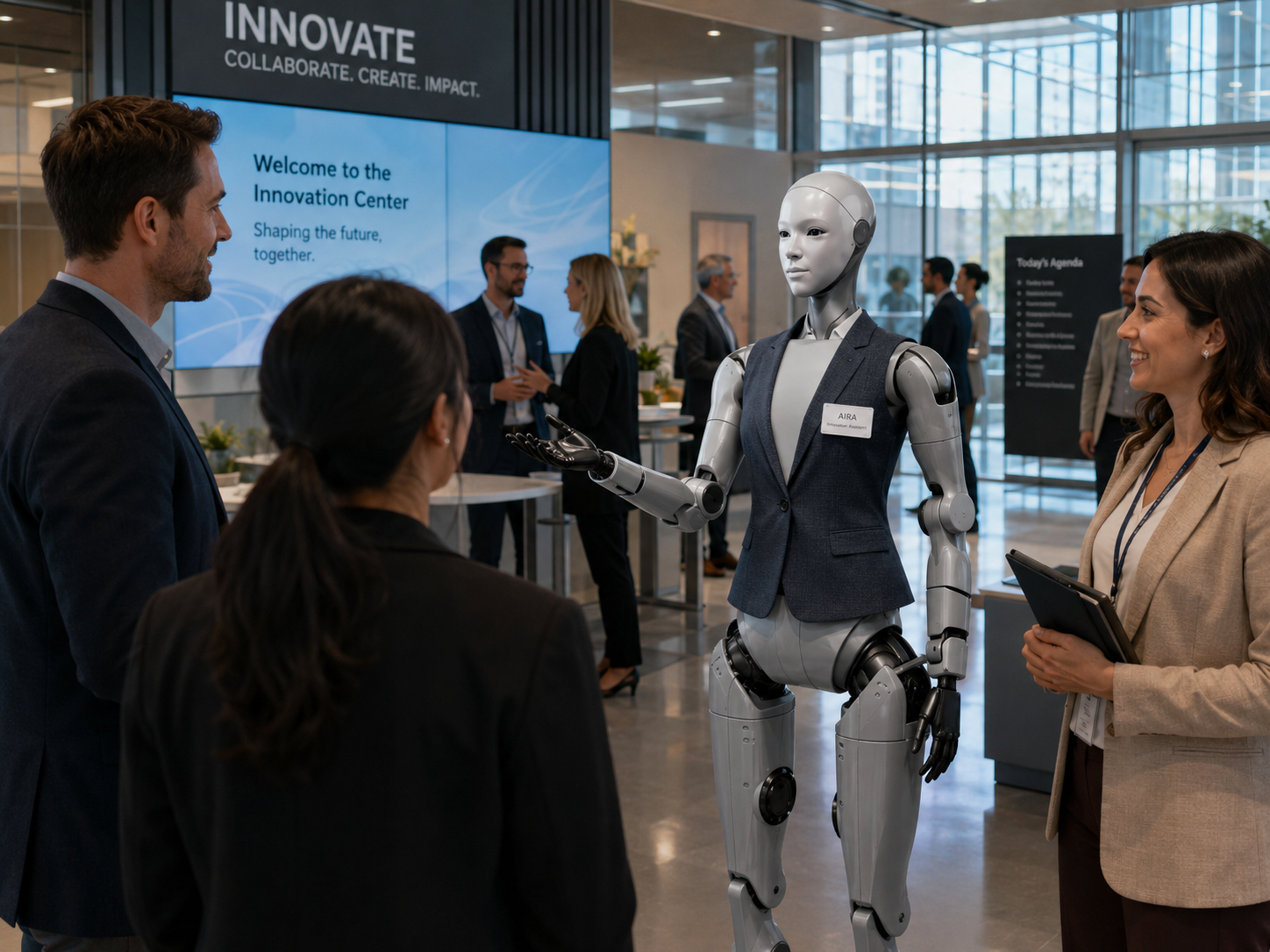
Introduces the organization, presents approved projects, and directs visitors through a demonstration space.
Understand how visitors are using the reception experience.
Subject to the organization's approved privacy framework, HumanoidX may provide anonymous operational insights. Repeated patterns can reveal improvements to the entire reception experience — not only the robot.
Example reception insights
Arrival volume
Approximate interaction volume and peak arrival periods
Peak periods
High-demand times: mornings, recruitment days, events
Host notifications
Notification volume, success rate, and timing
Common destinations
Most-requested directions and meeting-room locations
Visitor categories
Journey types: client, candidate, courier, event attendee
Human escalations
Frequency, reason category, and escalation outcomes
Office environments may appear simple but require careful planning.
Glass walls, narrow corridors, deliveries, luggage, mobility devices, and restricted zones are all part of the deployment context. In many reception environments, a stationary or limited-mobility humanoid provides the strongest balance of impact, utility, and safety.
From workplace review to managed deployment.
HumanoidX manages the complete deployment experience rather than leaving the organization to independently solve the programming, integration, support, safety, and operational requirements.
Understand the workplace
Review the office, reception process, visitor categories, security model, brand standards, staffing, and common arrival challenges.
Define the role
Determine what the robot should handle, what it should escalate, where it should operate, and which visitors it should support.
Select a focused pilot
A strong first pilot might focus on lobby welcome, scheduled visitor notification, recruitment events, client experience, or company information.
Map the visitor journey
Define every step from arrival to human handoff for each relevant visitor type.
Prepare approved knowledge
The organization supplies or validates company information, building directions, visitor rules, and frequently asked questions.
Configure the experience
Develop the personality, language, greetings, check-in instructions, escalation rules, and approved responses.
Assess integrations
Determine whether the pilot will remain standalone or connect with existing visitor, calendar, notification, or badge systems.
Test realistic scenarios
Test with scheduled guests, unscheduled visitors, deliveries, candidates, incorrect names, unavailable hosts, and security-related questions.
Launch a managed pilot
Deploy for a defined period with human oversight and measurable objectives.
Review and optimize
Evaluate visitor adoption, employee response, check-in performance, recurring questions, privacy concerns, and technical reliability.
Five focused starting points.
Each pilot is scoped around a specific visitor context and measurable objective — making it straightforward to evaluate value before expanding.