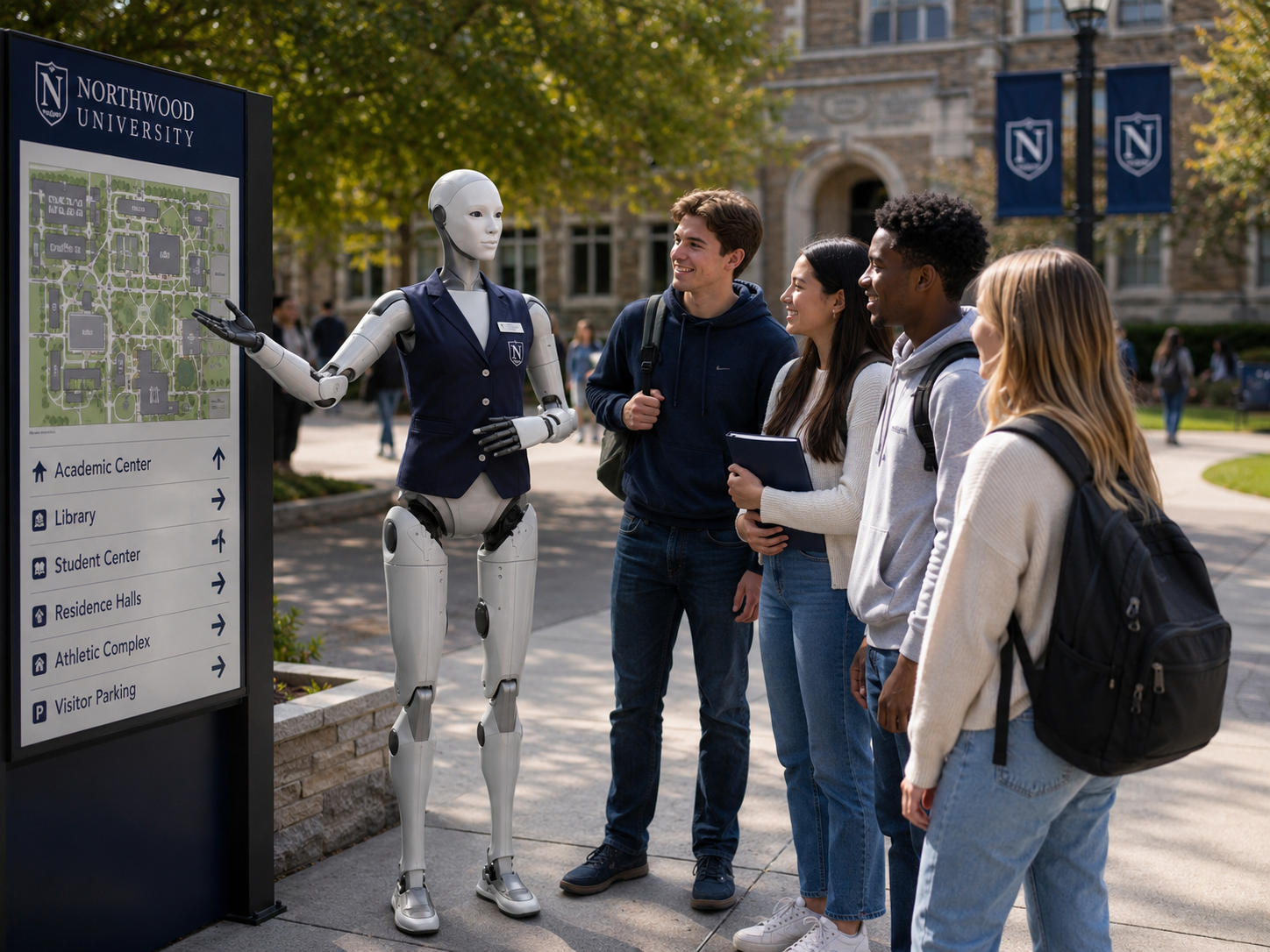
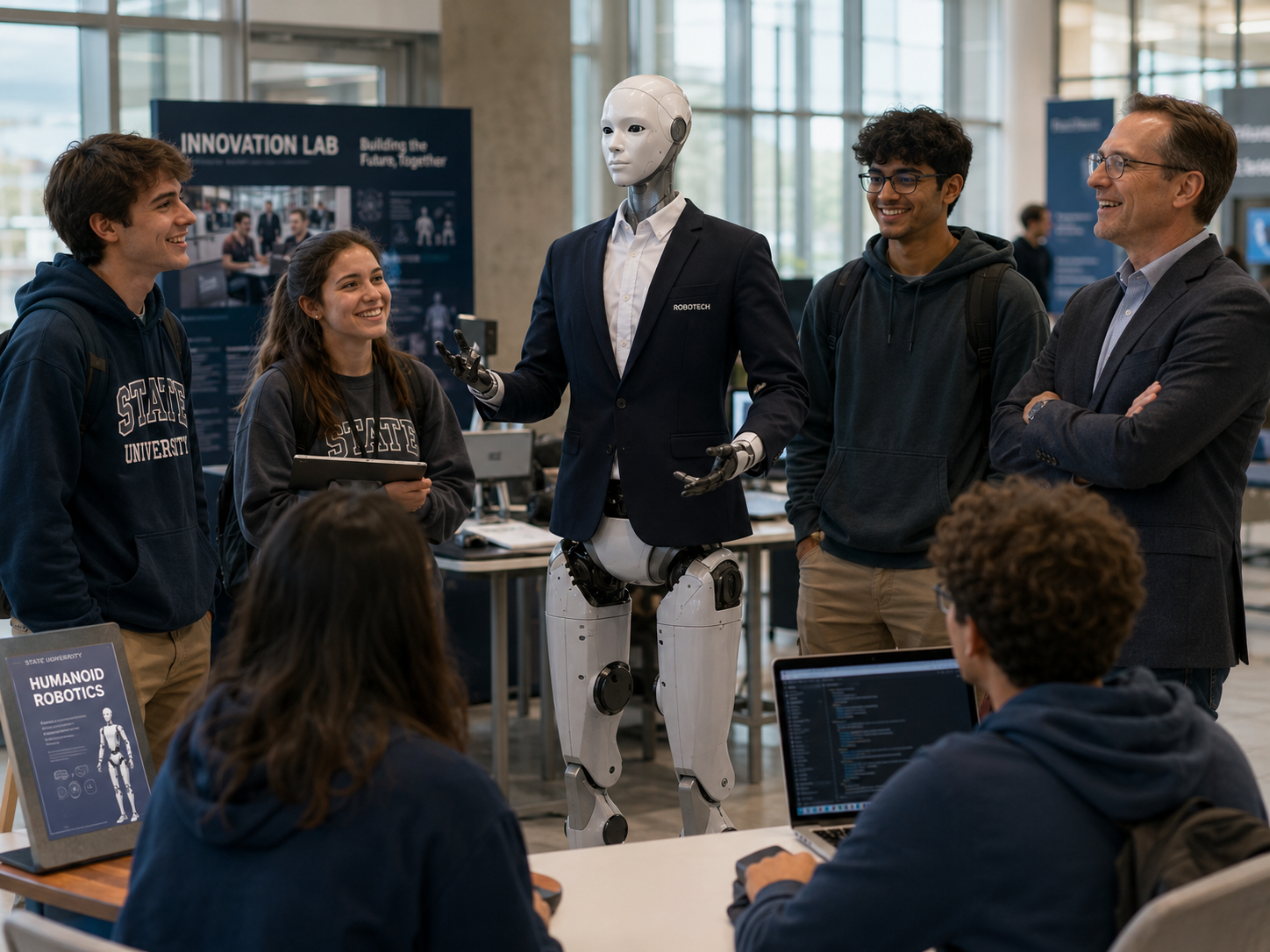
Students should not only use technology.
They should understand it, question it, and help shape it.
Artificial intelligence, robotics, and automation are already shaping how people work, learn, communicate, create, and solve problems. Yet for many students, these subjects remain abstract. They may use AI tools or see robots online without understanding how robots perceive the world, how AI generates an answer, why machines make mistakes, or what engineers actually need to consider.
A humanoid robot turns these questions into a live experience. Students can speak with one, observe how it moves, ask how it thinks, and explore how it is programmed. The Education and STEM Mentor helps transform students from passive technology users into active thinkers, builders, critics, and creators.
Every concept made visible, physical, and approachable.
Every educational deployment is adapted around the student age group, learning objectives, curriculum, institution, environment, available robot capabilities, lesson duration, and supervision model.
Students learn what makes a humanoid different from other machines — sensors, motors, joints, balance, degrees of freedom, and onboard computing. They observe real movement and ask how it is controlled.
Example student question: "Why does a robot need multiple sensors just to take one step?"
All levels — adapted by age and prior knowledge
Students explore how AI generates a response, what training data is, why AI makes mistakes, how bias enters systems, and what human oversight means in practice. The robot itself becomes part of the lesson.
Example student question: "Can you actually understand what I'm saying, or are you pattern-matching?"
Secondary and above — younger students receive simplified version
Students connect instructions to outcomes — commands, variables, conditions, loops, sensors as inputs, movements as outputs. They discover that programming a real robot requires more than a single line of code.
Example student question: "What should the robot do if the sensor fails halfway through the movement?"
Elementary (visual concepts) through university (frameworks and pseudocode)
Students study personal space, trust, social comfort, tone, gestures, response length, and accessibility. They test different greetings and personalities and measure how people actually respond.
Example student question: "At what point does a helpful robot become an annoying one?"
Secondary and above — connects technology to social science
Students identify what can go wrong — physical hazards, privacy risks, bias, misinformation, consent failures, and automation limits. They are asked who is responsible when a robot makes a mistake.
Example student question: "Should a school robot be allowed to recognize students' faces?"
All levels — language and depth adapted by age
Students discover that robotics requires engineers, programmers, designers, educators, technicians, ethicists, psychologists, and entrepreneurs. Programming is one pathway — not the only one.
Example student question: "What role in robotics would you want to have — and why?"
Secondary through professional — connects curriculum to real pathways
From curiosity to a real engineering question.
A class explores how a humanoid robot knows when it is safe to move. Students discover that good robotics is not only about making a machine move — it is about designing what the machine should do when the world does not behave as expected.
Student-designed safety logic — illustrative workflow
The robot greets the group
"Today, we are going to explore how a humanoid robot knows when it is safe to move."
Students predict
"What information would I need before taking a step? An empty space, or one with a chair and a backpack on the floor."
Students suggest: a camera · a distance sensor · a map · human instructions · a balance sensor
Controlled demonstration
The robot begins an approved movement and stops when the safety condition is not satisfied.
The robot explains the decision
"A robot should not move only because it received a command. It should also confirm that the movement is allowed and that the environment appears safe."
Students design the logic
The group creates the workflow above — then the instructor asks: what happens if the camera is blocked? Someone walks into the area? The floor is slippery? The network fails?
The lesson: good robotics is not only about making a machine move.
It is about designing what the machine should do when the world does not behave as expected.
The same concepts — different depth, language, and activities.
Select a student level to see how the curriculum, example activities, and expected outcomes change.
Elementary
Topics
Example activity
Students observe the robot, name what they see, and predict what happens next when it moves.
Expected outcome
Students can explain what a robot is and identify one sensor by name.
Build a robot archetype.
Instead of asking "What can this robot do?" — students ask "What useful role should this robot perform?" This turns humanoid robotics into a multidisciplinary design challenge involving technology, ethics, communication, safety, and business thinking.
Who does it help?
The user, audience, or people this robot is designed around.
Where does it work?
The physical environment, constraints, and safety zones.
What does it know?
The approved information, knowledge sources, and content limits.
What can it do?
Permitted physical actions, conversations, and interactions.
What must it never do?
Safety rules, restricted content, and hard limits.
When does a human take over?
The escalation triggers that hand control back to a person.
How do we measure success?
The outcomes, metrics, and feedback that tell us whether it worked.
Example student project: Design a School Welcome Guide
Where does the robot operate? Who does it welcome? What must it not reveal? How does it help someone with an accessibility need? What happens during an emergency? How does the school measure whether it is useful? These questions connect directly to how HumanoidX approaches real-world archetype development.
From a single demonstration to a multi-term research partnership.
Each format offers increasing depth of student involvement, curriculum integration, and technical activity. Start where your institution is ready and grow from there.
A high-impact introduction to humanoid robots, AI, safety, and future careers. Includes robot introduction, movement demonstration, AI discussion, student questions, short challenge, and career overview.
Best for: School visits, assemblies, technology days, career exploration
A deeper hands-on experience built around one or more STEM concepts — sensor challenge, programming a greeting, designing a robot role, building a conversation flow, or identifying safety risks.
Best for: Small groups, STEM enrichment, programming concepts, design challenges
A structured day combining demonstration, instruction, design, programming concepts, teamwork, and student presentations.
Best for: Field trips, technology days, school partner events
A progressive educational experience covering robotics, AI, programming, safety, ethics, and archetype development — ending in a final student project and presentation.
Best for: School programs, after-school clubs, curriculum integration
An intensive school-break experience for students interested in engineering, programming, AI, and emerging technology — featuring challenges, team competition, and hands-on design.
Best for: Summer and holiday programs, motivated student groups
A more advanced deployment supporting student research in robotics, AI, perception, social interaction, ethics, data collection, or applied deployment.
Best for: HRI studies, embodied AI, perception, behaviour design, ethics
Twelve lesson themes. Adapted to any age group or program length.
How robots see
Cameras, distance sensors, computer vision, object detection, and the limits of perception.
How robots move
Motors, joints, degrees of freedom, balance, control systems, and safe physical behaviour.
How AI generates an answer
Pattern recognition, training data, language models, predictions, and why mistakes happen.
How behaviours are programmed
Commands, conditions, loops, events, sensors as inputs, movements as outputs, and error handling.
How robots stay safe
Emergency stops, operating zones, feedback loops, failure conditions, and human override.
How humans remain responsible
Accountability, oversight, consent, bias, automation limits, and the importance of judgment.
Designing a robot personality
Tone, gestures, response length, formality, humour, and consistency — and why it matters.
Privacy and consent
Data collection, facial recognition, student privacy, retention periods, and responsible use.
Robots in the workplace
How robots may support people in hospitality, retail, education, industry, and public services.
Human-robot interaction
Personal space, trust, social comfort, conversation design, and accessibility.
Careers in robotics
Technical, creative, social, business, and policy careers in the robotics economy.
Create your own archetype
Define a complete role-based humanoid concept and present it to the class.
Students leave able to do — not just aware of.
Learning outcomes are selected with the educator and aligned with the age group, program format, and institutional goals. Outcomes are not invented — they reflect what the program is actually designed to develop.
What makes a robot humanoid and how its major systems work
Robot components, sensor types, and AI limitations
A simple robot behaviour with conditions and fallback actions
A basic interaction sequence using logic and sensor inputs
Whether a robot adds genuine value in a given context
Privacy, consent, bias, and human responsibility in AI systems
A practical robot use case to peers and educators
The Education and STEM Mentor is a teaching tool — not an autonomous teacher.
The strongest program combines the robot's novelty and capabilities with the educator's expertise and human connection. The robot should make the educator more effective — not become another system the teacher must struggle to manage.
The humanoid makes concepts tangible
Educators create the learning
The future of robotics will not be built only by programmers.
Writers, designers, educators, psychologists, technicians, entrepreneurs, and policy specialists will all play important roles. The Education and STEM Mentor shows students that there are many ways to contribute to this field.
Eight roles across the educational experience.
The same archetype can be reconfigured for different institutions, age groups, and program formats throughout the academic year.
School Demonstration Mentor
Introduces robotics and AI through a classroom or assembly experience.
Robotics Workshop Mentor
Supports a structured hands-on activity around programming, sensors, and design challenges.
After-School Mentor
Participates in a recurring robotics and AI program with ongoing projects and team collaboration.
Robotics Camp Mentor
Supports an intensive school-break program of challenges, programming, and design.
University Research Mentor
Supports advanced technical and research activities in HRI, embodied AI, and perception.
Science Centre Mentor
Provides a public-facing educational robotics experience for families, school groups, and general visitors.
Career Exploration Mentor
Introduces the wide range of roles involved in robotics and AI to students at transition points.
Teacher Training Mentor
Supports professional development for educators — AI literacy, robotics concepts, and curriculum planning.
Students are naturally curious and may want to touch, test, challenge, or surprise the robot.
Every educational deployment requires clear rules and supervision. The robot should not move freely through a crowded classroom. For early programs, students should remain outside a clearly marked movement area.
Educational deployments involve students. Privacy must be built in from the beginning.
The robot may ask a student "What type of robot would you like to design?" — it does not need to permanently store the student's identity or answer. The objective is to improve the educational program, not to create hidden student profiles.
No hidden recording
Any photography, video, audio, or analytics must be clearly explained and approved under school and parent procedures.
No student recognition by default
Face recognition is not included by default. Any identity-based feature involving students requires strict institutional, legal, and privacy review.
Learning without unnecessary data
Minimum necessary data collection. No health, academic, or behavioural data without authorization. Defined retention periods and secure storage.
Robotics education should be available to students with different abilities, learning styles, and communication preferences.
A robot can make technology feel exciting — but the experience must not exclude students who interact differently.
Understand which concepts generate the strongest learning and curiosity.
Subject to the school's privacy policies, HumanoidX may provide anonymous program insights. These are not student profiles — they are tools for improving the educational experience.
Student engagement
Learning activity
Program feedback
Technical performance
No test-score improvements or educational outcomes are invented or implied.
Ten steps from audience definition to curriculum expansion.
HumanoidX works with educators, administrators, and students to design a program that is safe, educationally meaningful, and technically reliable — from the first demonstration through to an ongoing partnership.
Define the audience
Identify the student age group, educational setting, prior knowledge, group size, languages, and accessibility needs.
Select learning objectives
The educator and HumanoidX define what students should understand, practise, create, or discuss.
Choose the program format
Options include demonstration, workshop, full-day experience, multi-week program, camp, open house, research pilot, or teacher training.
Develop the learning experience
Create the lesson structure, robot behaviours, approved explanations, questions, activities, demonstrations, and safety procedures.
Prepare the environment
Assess room size, flooring, power, network, robot operating zone, student seating, accessibility, emergency access, transportation, and supervision.
Configure and test the robot
Rehearse the experience with correct lesson content, movement limits, language settings, and fallback behaviours.
Orient educators and staff
Teachers learn what the robot will do, what it will not do, safety rules, emergency procedures, and how to pause or stop the experience.
Deliver the program
HumanoidX and the educator operate the experience according to the agreed format.
Review the learning experience
Collect feedback from educators and participants to evaluate what worked and what needs improvement.
Expand the curriculum
Successful pilots may grow into additional lessons, age groups, workshops, camps, or longer-term partnerships.
Seven focused, measurable starting points.
Each pilot targets one clearly defined educational objective so success can be evaluated honestly and used to design the next phase.