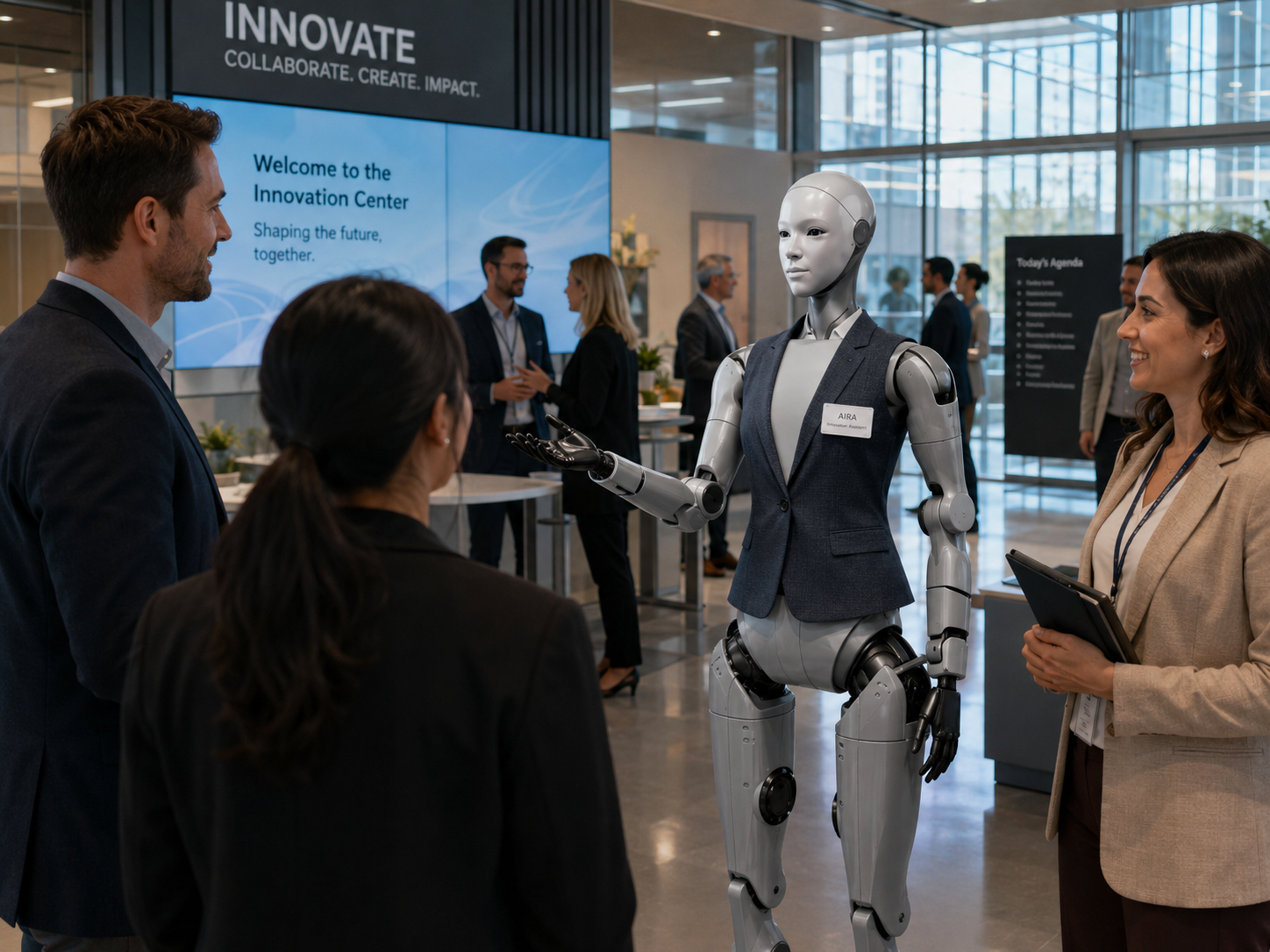

A building rarely fails all at once.
Operational issues often begin as small conditions: a light not working, a doorway obstructed, a sign on the floor, a room left unsettled, a waste station full, a visible leak appearing near an entrance. Facility teams already manage these details every day — the challenge is that large properties contain more spaces, equipment, visitors, and recurring checks than people can continuously observe.
The Facility Support Assistant is designed to help with selected repetitive and structured activities. It can follow a predefined checklist, observe approved conditions, collect evidence, provide routine information, and send a report to the appropriate human team. The objective is not to create an autonomous building manager. It is to give facility professionals a new tool for improving visibility, consistency, and response.
Every function defined, tested, and human-supervised.
Every deployment is designed around the building, operating procedures, robot platform, physical environment, safety requirements, information systems, and human supervision model.
Follow a predefined route through approved areas.
The robot may travel along an approved indoor route covering clear flooring, designated doorways, known stopping points, and defined inspection positions. A reliable, testable route is more valuable than broad but unpredictable movement through the building.
"Beginning morning walkthrough — Level 2 east corridor, four checkpoints."
Check predefined visual conditions at each checkpoint.
At each stopping point, the robot may assess a small set of visible conditions — whether a pathway appears clear, a sign is in place, a display is active, a waste station appears full, or furniture is in the approved layout.
"Third-floor west meeting room: furniture appears outside approved position. Human review requested."
Collect a structured, consistent record of each observation.
Each observation can include date, time, location, checklist item, visible condition, confidence level, image where approved, and whether human review is needed. Structured data makes it easier to track patterns, compare shifts, and build operational history.
"Checkpoint 4 of 7 completed. One preliminary observation submitted for human verification."
Send observations to the appropriate team immediately.
Observations can be routed through a facility-management platform, email, workplace chat, service desk, maintenance dashboard, or internal notification system — depending on severity and the approved workflow.
"A possible liquid condition has been identified near the north entrance. Human verification is required before proceeding."
Answer approved building questions from employees and visitors.
The robot can serve as an information point — answering where the facilities office is, how to report a maintenance issue, where a contractor should check in, where accessible entrances are, or what number to call after hours.
"I have submitted a technical-support request for Meeting Room 402. Reference number 1736 has been assigned."
Immediately involve a human when attention is required.
When the robot detects or receives a report involving a possible fire, smoke, significant water, electrical hazard, medical emergency, blocked exit, person in distress, or security concern — it escalates immediately.
"This may require immediate human attention. I am notifying the facility team now and will remain in position."
From routine inspection to a verified work order.
A corporate building's public areas. A scheduled walkthrough. One displaced sign. The robot has supported visibility and documentation — people remained responsible for verification, prioritization, and action.
Illustrative facility route — second-floor elevator lobby
Robot
Begins scheduled walkthrough of corporate building public areas. Four checkpoints defined: pathway clear, directional sign present, display active, waste station below threshold.
Robot — checkpoint 2
"A directional sign appears to be lying on the floor in the second-floor elevator lobby. A possible displaced sign has been identified."
System
An image and location are sent to the facility dashboard for human review.
Facility coordinator
The observation is reviewed. The condition is verified — the sign was displaced earlier in the morning.
Work order
A request is assigned to the appropriate employee. The staff member returns the sign to its approved location.
Closed
The condition is marked resolved. The walkthrough continues to checkpoints 3 and 4.
The robot does not roam looking for anything unusual. Every task is predefined.
A stronger model uses defined routes and checklists. Each checkpoint follows a consistent structure — making the deployment easier to test, measure, and improve over time.
The exact area where the robot should stop and observe.
The specific thing it is expected to assess at this checkpoint.
What normal should look like — the baseline.
When an observation should be marked uncertain and sent for review.
Who receives which type of observation and at what priority.
The image, sensor reading, note, or system status to collect.
How the issue is verified by a human and closed.
Illustrative facility route — not to scale
Facility operations require experience, technical knowledge, judgment, and accountability.
Its value comes from consistency and additional visibility — not independent authority. The Facility Support Assistant does not diagnose building problems, perform licensed maintenance, make safety certifications, or replace qualified facility professionals.
The robot can support
Facility professionals remain responsible for
The robot may recognize a condition in one controlled environment and perform differently when that environment changes.
Every visual condition should be clearly defined, tested in the actual environment, assigned a confidence threshold, supported by human review, and re-evaluated when the environment changes.
Correct robot language
"A possible issue was detected."
Not this — unless a human has confirmed
"The building has a confirmed maintenance failure."
Eleven deployment contexts. Each requires its own site assessment.
Corporate offices
Reception areas, meeting rooms, corridors, event setups, and employee maintenance reporting.
Educational campuses
Classrooms, auditoriums, common areas, event spaces, and visitor buildings. The robot should not enter restricted research or student areas independently.
Hotels and resorts
Lobby, meeting-room, conference, amenity, and public-area observations. Guest privacy must remain central.
Shopping centres
Common areas, customer-service routes, signage, events, and public information.
Convention centres
Room setup, directional signage, event transitions, public-area checks, and service requests.
Public buildings
Approved information, public pathways, room readiness, and routine observations.
Warehouses
Selected clear pedestrian zones, supply areas, signage, and operational checklists. Industrial safety requirements must be assessed separately.
Healthcare administration areas
Non-clinical public areas and wayfinding only. Not for clinical workflows without a separate specialized assessment.
Cultural institutions
Public spaces, event setups, visitor information, and facility reporting — maintaining safe distance from collections.
Multi-residential properties
Lobbies, amenity spaces, visitor information, and approved common-area checks. The robot should not monitor residents.
Transportation facilities
Public information and selected facility observations in controlled zones. Must not replace certified security or operations systems.
Begin with structured observations. Expand deliberately.
A strong initial pilot does not need control over building systems. Observation and reporting alone may create meaningful value. Integration grows at the organization's pace.
Checklist and reporting
The robot follows an approved route and submits structured observations for human review.
Work-order creation
Verified observations can create or update requests in the facility management system.
Connected building status
The robot may receive approved status information from rooms, sensors, displays, or equipment.
Coordinated workflows
Supports multi-step processes involving observation, verification, assignment, follow-up, and closure.
Monitor conditions — not people.
A facility robot should not become an employee-surveillance system. Its purpose is to assess approved building conditions — not evaluate individuals. Staff should be informed before deployment, and the robot's purpose, route, and data handling should be clearly communicated.
The system focuses on
Not on
Facility environments present unique safety considerations.
The robot should stop and request assistance when the route is obstructed or the environment differs from its approved configuration. It should not be expected to improvise through untested areas.
Seven focused, testable roles across the operational day.
The same archetype can be reconfigured for different facility workflows, buildings, and times of day.
Daily Walkthrough Assistant
Follows a predefined route and checklist at scheduled times.
Room Readiness Assistant
Checks whether selected rooms appear to match an approved setup before scheduled use.
Event Setup Assistant
Supports structured documentation of event setup and teardown.
Facility Information Assistant
Answers routine questions and helps employees submit maintenance requests.
Supply Observation Assistant
Monitors approved visible supply levels and requests human verification.
Public-Area Support Assistant
Observes selected conditions in high-traffic common areas and public spaces.
Closing Checklist Assistant
Supports a structured end-of-day walkthrough before building closure.
Repeated observations may reveal operational patterns — not just individual incidents.
Repeated room-readiness issues in one location may indicate that the setup process needs to change — not merely that the robot should inspect more often.
Walkthrough performance
Common observations
Work-order support
Building information requests
Technical performance
No efficiency savings or response-time improvements are invented or implied.
Ten steps from facility discovery to supervised pilot expansion.
HumanoidX manages the full deployment layer required to turn a general-purpose humanoid platform into a focused, supervised facility-support system.
Understand the facility
Review the property, operating team, public areas, recurring inspections, work-order process, systems, safety requirements, and current operational challenges.
Choose one focused workflow
Start with meeting-room readiness, a public-area walkthrough, event setup, an opening checklist, a closing checklist, or employee maintenance reporting.
Define the route
Select the starting point, approved pathway, checkpoints, stopping positions, restricted areas, human support locations, and charging or battery process.
Define the conditions
For every checkpoint: what the robot observes, what normal looks like, what creates a preliminary report, when human review is required, and what cannot be assessed.
Prepare the reporting workflow
Determine who receives observations, how they verify them, whether a work order is created, how priority is assigned, and how completion is recorded.
Assess integrations
Determine whether the pilot connects to facility software, work-order systems, room booking, sensors, notifications, or building status.
Test the environment
Include clear and obstructed routes, changed furniture, low lighting, crowded corridors, network outages, elevator unavailability, and emergency stop testing.
Train staff
Facility employees learn the robot's role, its limitations, how reports are created, how to verify observations, and how to stop or assist it.
Launch a supervised pilot
The robot operates for a defined period with controlled routes, clear oversight, and measurable objectives.
Review and expand
Evaluate route reliability, observation quality, human workload, response times, technical performance, and opportunities for additional workflows.
Seven narrow, testable starting points.
Each pilot targets one clearly defined operational workflow so feasibility, reliability, and value can be evaluated honestly before expanding scope.