
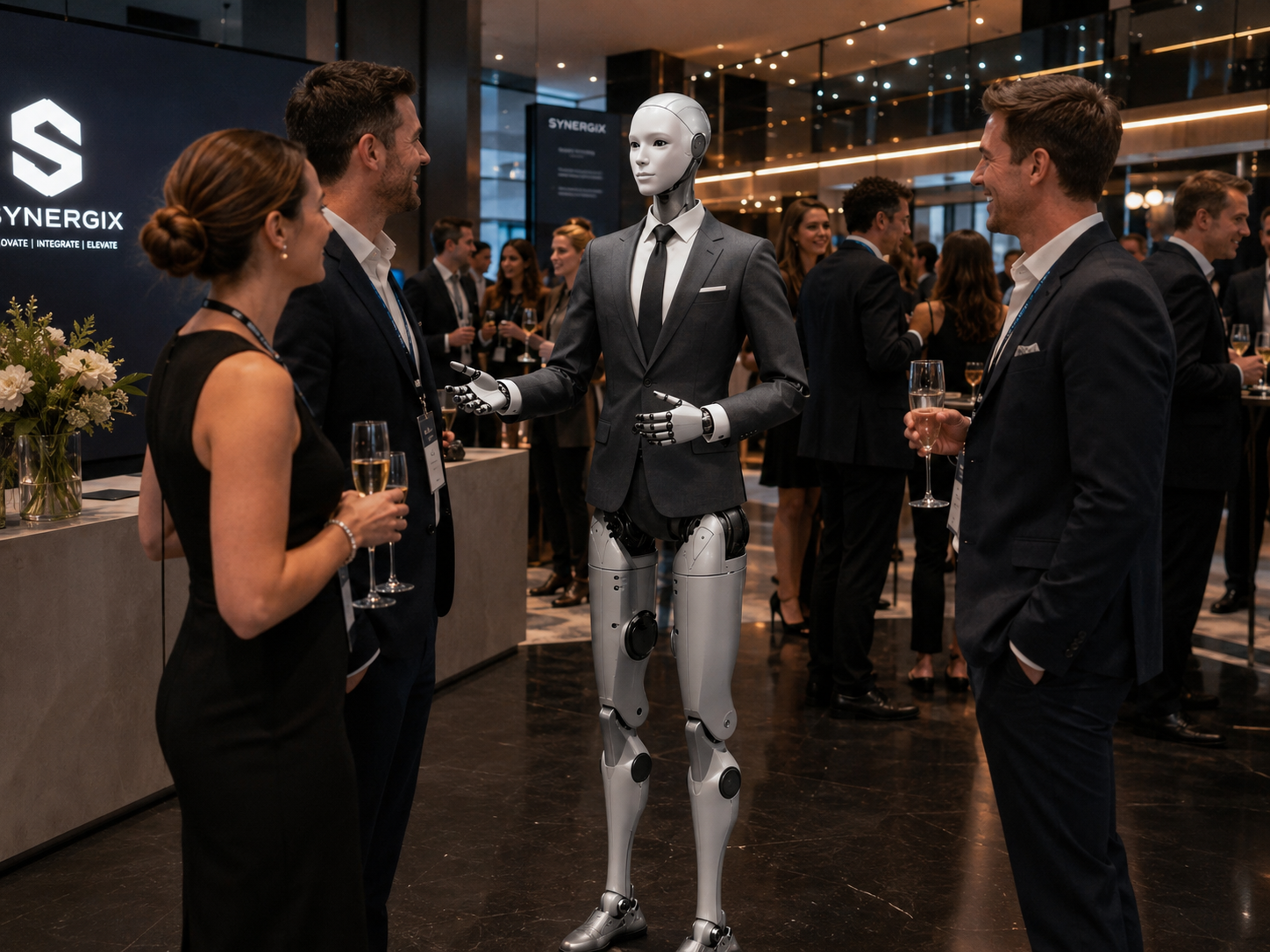
Controlled entrances are necessary, but they can easily become a source of confusion.
Visitors may not know which entrance to use, whether their wristband is valid, which ticket colour applies, or who can help when a credential will not scan. When the rules are unclear, guests become frustrated and staff spend significant time repeating the same explanations. The Venue Access Monitor provides a highly visible and approachable first point of contact — making a controlled entrance more organized, understandable, and engaging.
Every deployment is designed around the venue's specific requirements.
Capability is shaped by the venue, entrance process, guest categories, operating environment, robot capabilities, safety requirements, and human supervision model.
Greet every visitor with clarity about what to prepare.
The robot greets visitors approaching an entrance and explains what they need to prepare. Greetings may be customized according to venue name, event name, entrance type, visitor category, time of day, language, and operating conditions.
"Welcome. Please have your blue admission wristband visible before entering this area. If you need a replacement or have a different ticket type, the guest services desk is directly to your right."
Communicate approved entry requirements clearly.
The Venue Access Monitor explains required wristband colour, ticket or badge requirements, re-entry procedures, age-related entry procedures, participant versus spectator entrances, staff and vendor access points, restricted-area rules, bag-check location, waiver procedures, identification requirements, and operating hours.
Support visible wristband and credential checks.
In a controlled pilot, the robot may help identify whether a visitor is visibly displaying the required credential. A straightforward match receives a directional response. Unclear, missing, damaged, or unexpected wristbands are escalated to a human. The system should never communicate absolute certainty when it has only made a visual estimate.
"Thank you. Please continue through the entrance on your left."
Route confirmed guests toward the correct area.
Once the entry condition is confirmed, the robot directs the guest toward the correct zone — main activity area, spectator seating, participant zone, VIP lounge, conference hall, family area, registration desk, locker area, equipment pickup, or accessible entrance.
"Your participant wristband is valid for the activity floor. Please continue through the centre gate and follow the green signs."
Involve a human immediately when required.
The robot quickly escalates when a visitor disputes the rule, a credential cannot be verified, someone is distressed, a child is separated from a guardian, an accessibility accommodation is needed, or the system is uncertain. It does not attempt to complete every interaction independently.
"I'm unable to confirm that wristband. A team member at the support desk can help you."
Answer venue questions between entry interactions.
The robot answers common questions about guest services location, ticket purchase, waiver signing, washroom locations, re-entry, parent waiting areas, accessible entrance, closing time, belongings storage, and first-aid station location.
"Guest services is beside the entrance, under the blue sign."
The Venue Access Monitor has a clearly limited role.
Human staff remain responsible for access decisions, judgment, conflict resolution, emergency response, and physical security.
The robot may support
Humans remain responsible for
From arrival to a clear entry decision.
A standard flow and an exception — both resolved calmly without the robot making a verification decision.
Visitor approaches the entrance
An indoor recreation venue where participants require a green wristband.
Robot provides the instruction
Guest presents the correct wristband
The system identifies the approved visual condition within the defined interaction zone.
Robot directs the guest
Another visitor arrives without a wristband
Robot responds neutrally
Visitor asks for directions
Robot provides clear direction
Human staff handle the exception. The robot has supported the standard flow without making a verification decision.
The strongest pilot starts with a clearly defined physical setup.
The robot should not be placed in the middle of an uncontrolled doorway or used where crowds can surround it from every direction. A structured environment improves interaction clarity, camera visibility, guest flow, safety, response accuracy, human supervision, emergency access, accessibility, and performance measurement.
Typical entry zone components
The technology and process must match the credential.
A visual wristband check is not the same as authenticated ticket validation. The page should not imply that all credential types can be handled through the same method.
Colour-coded wristbands
VisualUseful where visual categories indicate admission type, session, area, or age group. Performance depends on lighting, wristband condition, and camera positioning.
Printed event badges
Visual / ScannedUseful for conferences, staff areas, exhibitions, and private functions. The robot can confirm visible presence and direct toward badge verification stations.
Digital tickets
ScannedThe robot may direct guests to a scanner or explain how to open the ticket on their device. Scanning is handled by a connected device, not the robot's visual system alone.
QR codes
ScannedA connected device may verify a QR code while the robot guides the interaction and explains what the attendee should do next.
Membership cards
System-validatedPotentially useful for facilities with an established membership-validation system. Card reading requires integration with the membership platform.
Participant passes
VisualUseful for sports, recreation, competitions, workshops, or controlled activity areas where categories are colour-coded or visually distinct.
Re-entry markers
Visual / ScannedMay include stamps, wristbands, tickets, or digital confirmation. The robot explains the re-entry requirement and routes unclear cases to guest services.
Real-world conditions can interfere with every visual system.
For this reason, uncertain results must be sent to a human. The robot should never communicate absolute certainty when the underlying system has only made a visual estimate.
Clear conditions
Conditions requiring human review
Ten venue types. One consistent access experience.
Indoor attractions
Wristband categories, participant areas, guardian guidance, waivers, and re-entry.
Entertainment venues
Ticket procedures, entrances, seating directions, and guest-service locations.
Conferences
Badge visibility, session access, VIP zones, exhibitor areas, and attendee routing.
Private corporate events
Invited guest guidance, registration, and exception routing to event staff.
Sports & recreation
Participant, spectator, staff, and restricted-area entry flows.
Museums & cultural venues
Admission categories, ticket scanning, memberships, and special exhibition access.
Festivals & temporary events
Controlled entrances where weather, crowd, and equipment have been addressed.
Universities
Event badges, residence access events, open houses, laboratory tours, campus programs.
Premium hospitality
Private lounges, conferences, special experiences, and invitation-based events.
Multi-zone venues
Help visitors understand which credential permits entry into each area.
Six roles across the entry experience.
The same robot may be configured differently for different entrances, visitor categories, or times of day.
Wristband Entry Assistant
Focused on visible wristband presentation and straightforward guest direction.
Ticketing Guide
Positioned before scanners or ticket stations to prepare guests and reduce entry delays.
Badge Access Assistant
Supports conference, staff, vendor, or restricted-event badge processes.
Re-Entry Assistant
Explains the complete process for guests leaving and returning to the venue.
Zone Access Guide
Explains which areas are available to different credential categories.
Guest Services Gateway
First point of contact for complex cases, directing visitors to a staffed service desk.
Start informational. Expand deliberately.
Even in advanced phases, the humanoid should not become the sole point of access. A human-controlled alternative must always remain available.
Welcome and process explanation
The robot explains access requirements and directs guests toward existing staff and systems. No credential access required.
Visual credential support
The robot assists with a limited, clearly defined visible credential check under human supervision.
Connected scanner awareness
The robot receives a simple success, failure, or assistance-required status from an approved validation device.
Structured access workflow
The robot supports a broader entry flow connected to ticketing, guest services, or staff notifications. A human alternative must always remain available.
The Venue Access Monitor should generally begin without facial recognition.
The system may evaluate whether a visible credential meets a basic condition without identifying the person wearing it. Checking for a green wristband is not the same as identifying the guest — and this distinction is important.
Any future identity-based use case would require a separate privacy, security, legal, technical, and operational assessment.
Privacy principles
The access process must work for visitors with different needs.
The robot should never deny access merely because someone cannot participate in the standard interaction method.
Entrance areas contain particular risks.
Crowds, barriers, turnstiles, children, strollers, wheelchairs, temporary signage, wet floors, and sudden line movement are all part of a live venue environment. The robot should not move toward a guest to prevent entry. It should remain within its approved zone and request human assistance.
Understand how entry is actually experienced.
Subject to the approved privacy framework, HumanoidX may provide anonymous operational insights. These can improve more than the robot — frequent visitors arriving at the wrong entrance may indicate that the venue's signage, confirmation emails, or exterior directions need improvement.
Example entry insights
Peak entry periods
When visitor volume was highest and the robot was most active
Credential issues
Missing wristbands, scan failures, lost credentials, wrong categories
Wrong-entrance frequency
How often visitors arrived at the incorrect entry point
Human escalations
Volume and category of exceptions sent to venue staff
Most common questions
Guest services, re-entry, ticket purchase, waiver location
System uptime
Robot availability and technical performance during operating hours
Ten steps from entrance review to performance report.
HumanoidX manages the full deployment experience rather than supplying a robot and leaving the venue to solve the technical, safety, integration, and operational requirements independently.
Understand the entrance
Review the venue, visitor types, credential system, guest volume, physical layout, staffing, and current access process.
Select one focused access flow
A strong first pilot targets a simple and controlled use case: a single wristband category, participant versus spectator direction, or ticket-scanner guidance.
Define what the robot can confirm
Establish the exact visual or system conditions required for a straightforward interaction.
Define all exceptions
Identify every situation that should go directly to a human employee.
Design the entry zone
Determine the robot position, guest presentation point, approved entry path, exception path, human support position, and accessible bypass.
Configure the experience
Develop greetings, instructions, directions, bilingual content, announcements, and escalation language.
Test realistic conditions
Test with correct wristbands, wrong wristbands, damaged credentials, hidden wristbands, similar colours, low light, multiple guests, children, mobility devices, network outages, and scanner failures.
Train venue staff
Employees learn how the robot works, what it can and cannot do, how to intervene, and how to manage exceptions.
Launch a supervised pilot
The robot operates for a defined period with a human team member available at all times.
Review performance
Evaluate entry flow, guest response, visual accuracy, exception frequency, human workload, safety, and technical reliability.
Five focused, measurable starting points.
Each pilot is intentionally scoped to one clearly defined access task so it can be evaluated honestly and refined for the next deployment.